


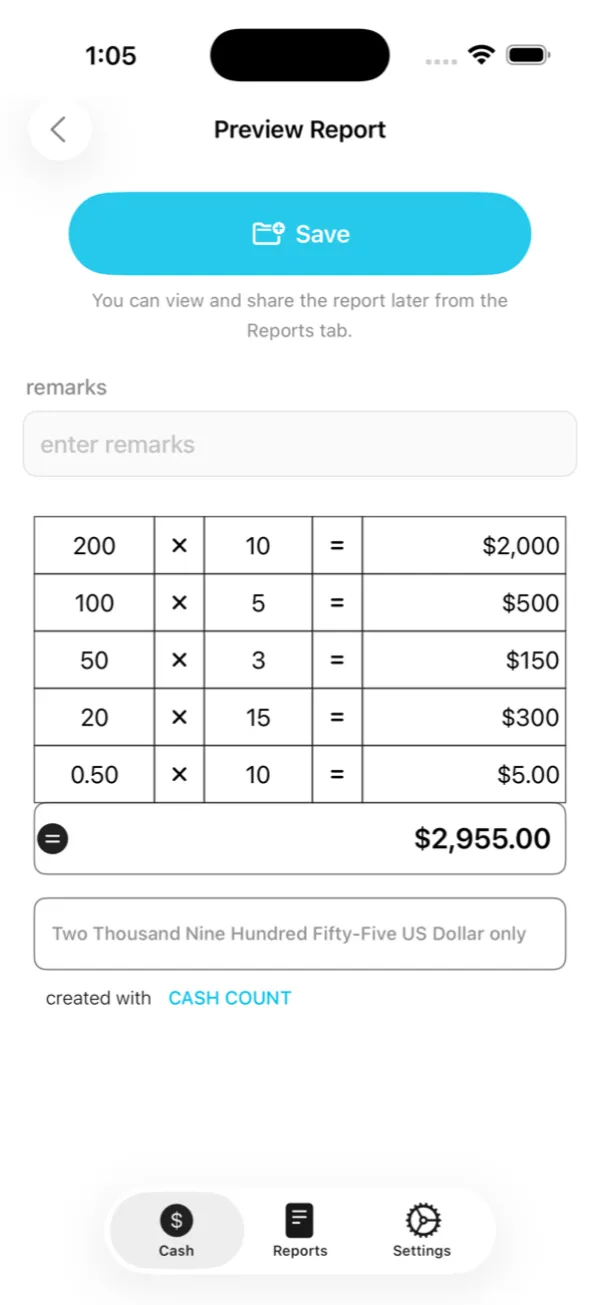
← Swipe for more screenshots →
About
Cash Count is a cash calculator for anyone who counts money: shop owners, cashiers, event organisers and families. Enter how many notes and coins you have of each denomination and the app totals them instantly. You can add a note, save the count as a report and share it as a PDF. It works on iPhone, iPad and foldable iPhone Duo, and the basic counter is free.
Features
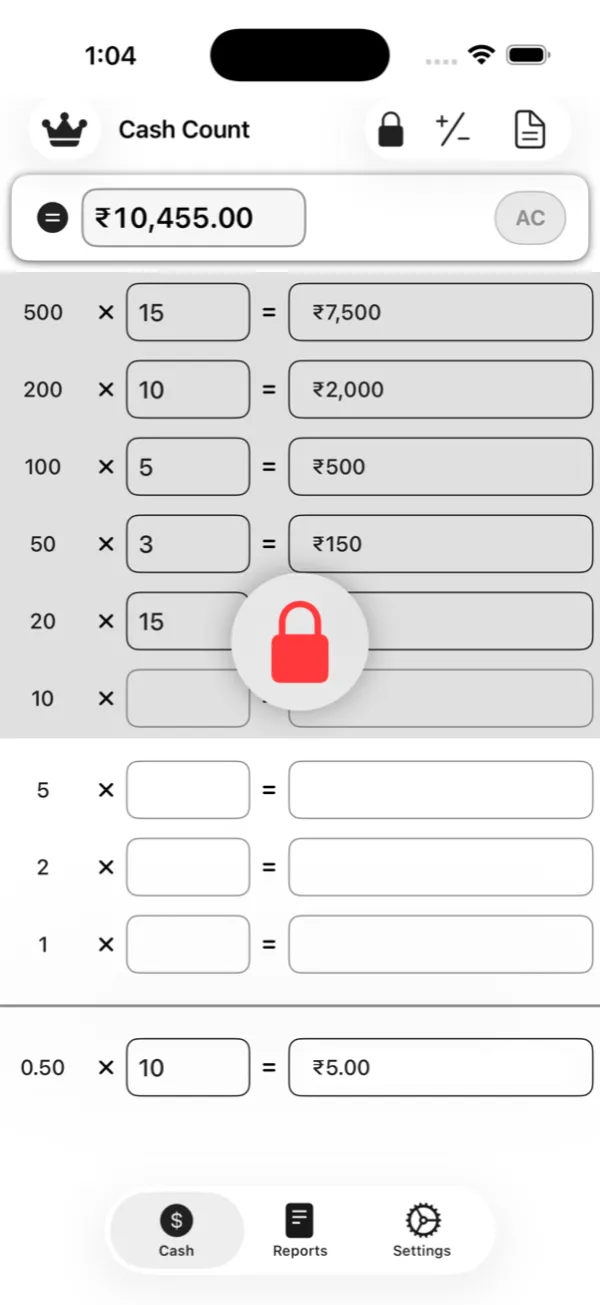
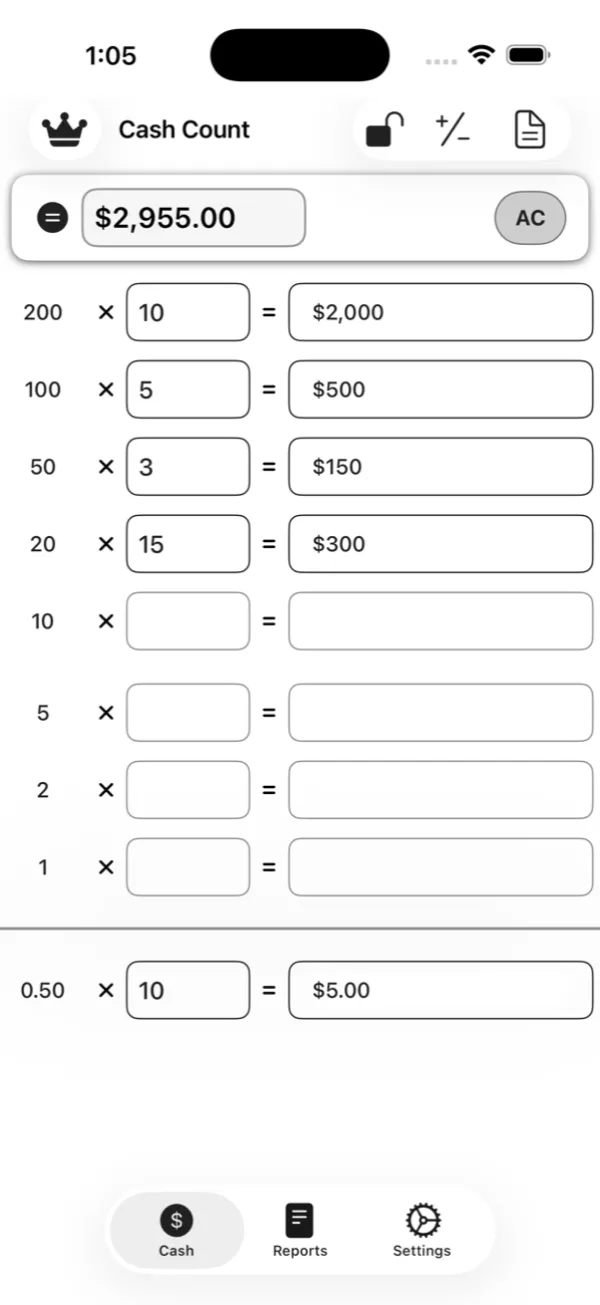
- Count notes and coins by denomination
- Instant total as you type
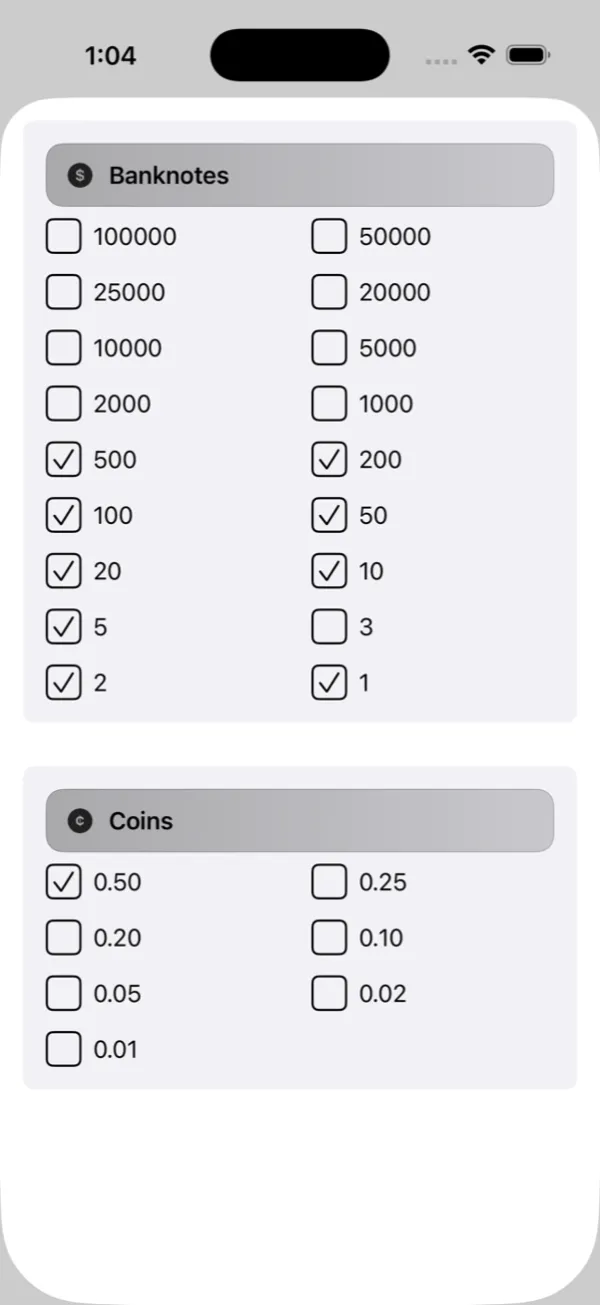
- Choose which denominations to show
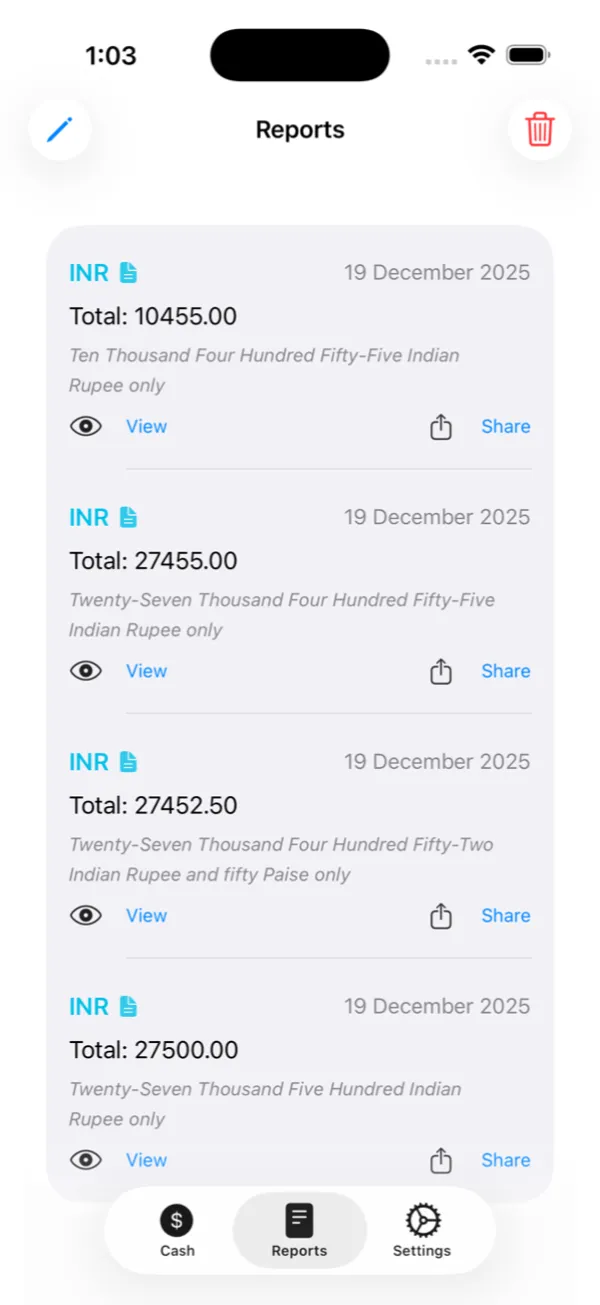
- Save cash reports with a note and share them as PDF
- Light, dark and system appearance with optional haptic feedback
- Free to use, with an optional Pro upgrade that removes ads and lets you share reports without watching an ad
Calculators
Counting
- Enter the number of notes for each denomination
- Enter the number of coins for each denomination
- Total updates instantly as you type
- Clear all counts with one tap
- Turn individual denominations on or off to match your currency
Reports
- Add a note to a count
- Save the count as a report with the total and currency
- Browse and delete saved reports
- Share a report as a PDF
Settings
- Haptic feedback on or off
- Appearance: System, Light or Dark
- Available in many languages
- Works on iPhone, iPad and foldable iPhone Duo
Cash Count Pro
- Remove ads completely
- Share reports without watching an ad
- Free lifetime updates
- Subscription or one-time Lifetime purchase, with restore
Frequently asked questions
Is there an app that counts cash by denomination?
Yes. Cash Count lets you enter the number of notes and coins for each denomination and shows the total instantly.
Can I count both notes and coins?
Yes. Cash Count has separate note and coin counters, so you can total bills and coins together.
Can I choose which denominations are shown?
Yes. In Cash Count you can switch individual note and coin denominations on or off so the screen matches the currency you are counting.
Can I save and share a cash report?
Yes. Cash Count saves a count as a report with the total, currency and an optional note, and you can share it as a PDF.
Is Cash Count free?
Yes. Cash Count is free to download and use. Free users can share a report after watching a short ad. An optional Pro upgrade, as a subscription or one-time Lifetime purchase, removes ads and lets you share without them.
Does Cash Count work on iPad and iPhone Duo?
Yes. Cash Count works on iPhone, iPad and the foldable iPhone Duo.
Does Cash Count support dark mode?
Yes. Cash Count can follow the system appearance or be set to Light or Dark in Settings.
Is Cash Count available in other languages?
Yes. Cash Count includes translations for many languages, including Arabic, German, Spanish, Italian, Korean and Simplified Chinese.
Related apps


Support
Need help with Cash Count – Cash Calculator? Email [email protected] and I'll get back to you.